DALI Lighting Control on MESHLE Bluetooth Mesh
Keep the DALI bus you already installed. Bring it onto a self-healing MESHLE Bluetooth Mesh network with a multichannel DALI interface — DALI-2 and D4i compatible, up to 8 individual addresses per node, controlled from the free MESHLE app. Wireless commissioning, offline-first operation, and open BMS APIs at the Gateway.
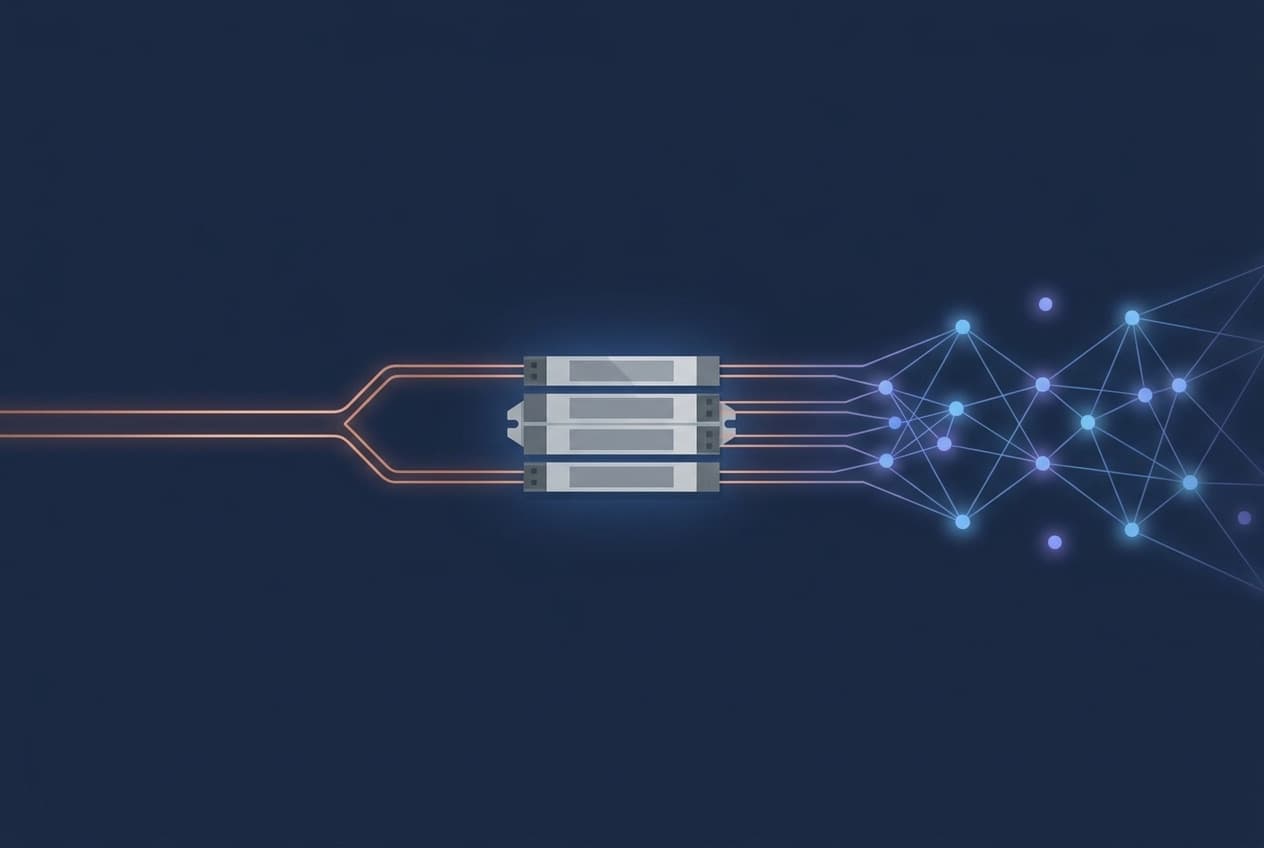
The DALI wiring you have, the wireless control you want
Most commercial buildings run some DALI. It's precise, it's standardised, it works — until you need to change a group, add a scene, or extend control into a room that was never wired for it. Then someone has to open the ceiling.
MESHLE bridges that gap. A multichannel DALI/D4i interface module joins the MESHLE Bluetooth Mesh network on one side and speaks native DALI on the other. Every fixture on the bus becomes an individually controllable device in the MESHLE app — grouped, scheduled, and automated from a phone or tablet instead of a wall panel.
How MESHLE DALI lighting control works end-to-end
The interface module joins the mesh
Wire the multichannel DALI/D4i interface module to your existing DALI bus and power. It provisions into a MESHLE Bluetooth Mesh network just like any other node — no separate DALI application controller, no BMS-side reconfiguration.
Up to eight DALI addresses per node
Each node handles up to 8 individual DALI addresses or broadcast, so a single module can drive eight independent DALI luminaires or an entire zone via broadcast.
Every DALI address appears as its own device in the app
In the MESHLE app, each DALI address surfaces as its own controllable device with its own name, group, and settings — no memorising short addresses, no separate commissioning tool.
Automate in groups, scenes, and schedules
Group DALI fixtures with non-DALI ones. Assign them to scenes. Trigger schedules that run locally on the mesh — no cloud, no server, no Wi-Fi required for day-to-day operation.
The interface module joins the mesh
Wire the multichannel DALI/D4i interface module to your existing DALI bus and power. It provisions into a MESHLE Bluetooth Mesh network just like any other node — no separate DALI application controller, no BMS-side reconfiguration.
Up to eight DALI addresses per node
Each node handles up to 8 individual DALI addresses or broadcast, so a single module can drive eight independent DALI luminaires or an entire zone via broadcast.
Every DALI address appears as its own device in the app
In the MESHLE app, each DALI address surfaces as its own controllable device with its own name, group, and settings — no memorising short addresses, no separate commissioning tool.
Automate in groups, scenes, and schedules
Group DALI fixtures with non-DALI ones. Assign them to scenes. Trigger schedules that run locally on the mesh — no cloud, no server, no Wi-Fi required for day-to-day operation.
The interface module joins the mesh
Wire the multichannel DALI/D4i interface module to your existing DALI bus and power. It provisions into a MESHLE Bluetooth Mesh network just like any other node — no separate DALI application controller, no BMS-side reconfiguration.
Up to eight DALI addresses per node
Each node handles up to 8 individual DALI addresses or broadcast, so a single module can drive eight independent DALI luminaires or an entire zone via broadcast.
Every DALI address appears as its own device in the app
In the MESHLE app, each DALI address surfaces as its own controllable device with its own name, group, and settings — no memorising short addresses, no separate commissioning tool.
Automate in groups, scenes, and schedules
Group DALI fixtures with non-DALI ones. Assign them to scenes. Trigger schedules that run locally on the mesh — no cloud, no server, no Wi-Fi required for day-to-day operation.
Retrofit without rewiring the DALI bus
You don't need to rip out what works. The MESHLE DALI interface module sits alongside the existing DALI wiring and adds Bluetooth Mesh control on top of it. Fixtures stay where they are, ballasts stay wired to the bus, and commissioning happens in the MESHLE app rather than through a separate DALI programming tool.
- Keep the DALI bus — no rewiring, no bus replacement, no fixture swap
- Mix DALI and non-DALI luminaires in the same wireless network, controlled from the same app
- Commission from a phone or tablet — no proprietary DALI programmer, no laptop on-site
Bring us a fixture list and a floor plan and we'll help you shape the wireless DALI retrofit.
Open APIs at the Gateway, BACnet™ at Edge
When you need building-management integration, add the MESHLE Gateway. It exposes the mesh (including every DALI-controlled fixture) to your BMS through REST API, MQTT, and Modbus TCP/IP. For BACnet™/IP into a BMS or PLC, deploy the MESHLE Edge on-premise server — the mesh appears there as standard BACnet™ field devices. All integrations are open and documented; there is no vendor lock-in above the mesh.
For REST, MQTT, and Modbus TCP/IP into a BMS, add the MESHLE Gateway to your DALI-enabled mesh.
For BACnet™/IP into a BMS or PLC, MESHLE Edge exposes the whole mesh — including every DALI fixture — as standard BACnet™ field devices.
Where wireless DALI pays off
Offices & commercial retrofits
Industrial halls
Education
Hospitality
MESHLE DALI is one interface on the wider MESHLE wireless lighting control system — see how it fits alongside dimmers, tunable white, RGB, switching, and shutter control.
DALI interfaces in the MESHLE catalog
Multichannel DALI/D4i interface modules and controllers, ready to bridge your bus into MESHLE Bluetooth Mesh.
Wireless DALI questions, answered
Is MESHLE DALI-2 and D4i certified?
MESHLE is DALI-2 and D4i compatible, not certified. The multichannel interface module speaks the DALI-2 and D4i command set and works with commercial DALI-2 and D4i luminaires from any manufacturer. If your specification requires formal DALI Alliance certification, contact our engineering team to discuss your project.
How many DALI channels can one node control?
Up to 8 individual DALI addresses per node — or DALI broadcast if you want to command the whole bus segment at once. Each address surfaces as its own device in the MESHLE app, with its own name, group membership, and scene assignments.
Can I mix DALI luminaires with regular wireless MESHLE fixtures?
Yes. Everything joins the same MESHLE Bluetooth Mesh network. Group a DALI downlight with a Bluetooth-native LED driver and a tunable-white fixture, put them all in the same scene, and drive them together from one command.
Does it work without an internet connection?
Yes. MESHLE is offline-first. Schedules, scenes, groups, and automations — including everything that reaches your DALI fixtures — are stored on the mesh nodes and executed locally. No cloud, no Wi-Fi, and no server are required for day-to-day operation.
How does BMS integration work for DALI fixtures?
Add a MESHLE Gateway and every mesh device — including DALI fixtures behind the interface module — becomes reachable over REST API, MQTT, and Modbus TCP/IP. For BACnet™/IP, deploy the MESHLE Edge on-premise server; the mesh appears there as standard BACnet™ field devices.
DALI™ is a registered trademark of the Digital Illumination Interface Alliance (DiiA). BACnet™ is a registered trademark of ASHRAE. All other trademarks are the property of their respective owners.
Plan your wireless DALI upgrade
Tell us about the DALI you have and the wireless behaviour you want. Our engineering team will scope the right MESHLE deployment — pure mesh, Gateway, or Edge — and match the DALI interface modules to your fixture list.
Read more
Deep-dive into the technology, integration paths, and field notes behind MESHLE.
How DALI lighting control works
The plain-English explainer: the DALI bus, addressing, DALI-2 vs D4i, and how DALI goes wireless.
Read moreTechnologyBluetooth Mesh Gateway
Bridge MESHLE Mesh to BACnet, Modbus, MQTT, REST API, and Matter for BMS integration.
Read moreTechnologyMESHLE Edge — on-premise server
On-prem server for multi-site projects: floor plans, dashboards, BACnet, up to 20,000 devices.
Read moreTechnologyWireless lighting control system
Commercial wireless lighting control on Bluetooth Mesh — retrofit or new build, offline-first, up to 255 nodes per network.
Read moreTechnologyPhysical controls — kinetic switches & sensors
Battery-free EnOcean switches, multi-sensors, dimmers — the tactile layer of the mesh.
Read moreBlogInside the LED driver ecosystem
How drivers, mesh modules, and gateways fit together in a real commercial lighting stack.
Read more