RGB LED Control over MESHLE Bluetooth Mesh
Mix millions of colors with 3-channel red, green, and blue control. Pre-loaded animations, a timeline editor, and fully local operation — no cloud required.
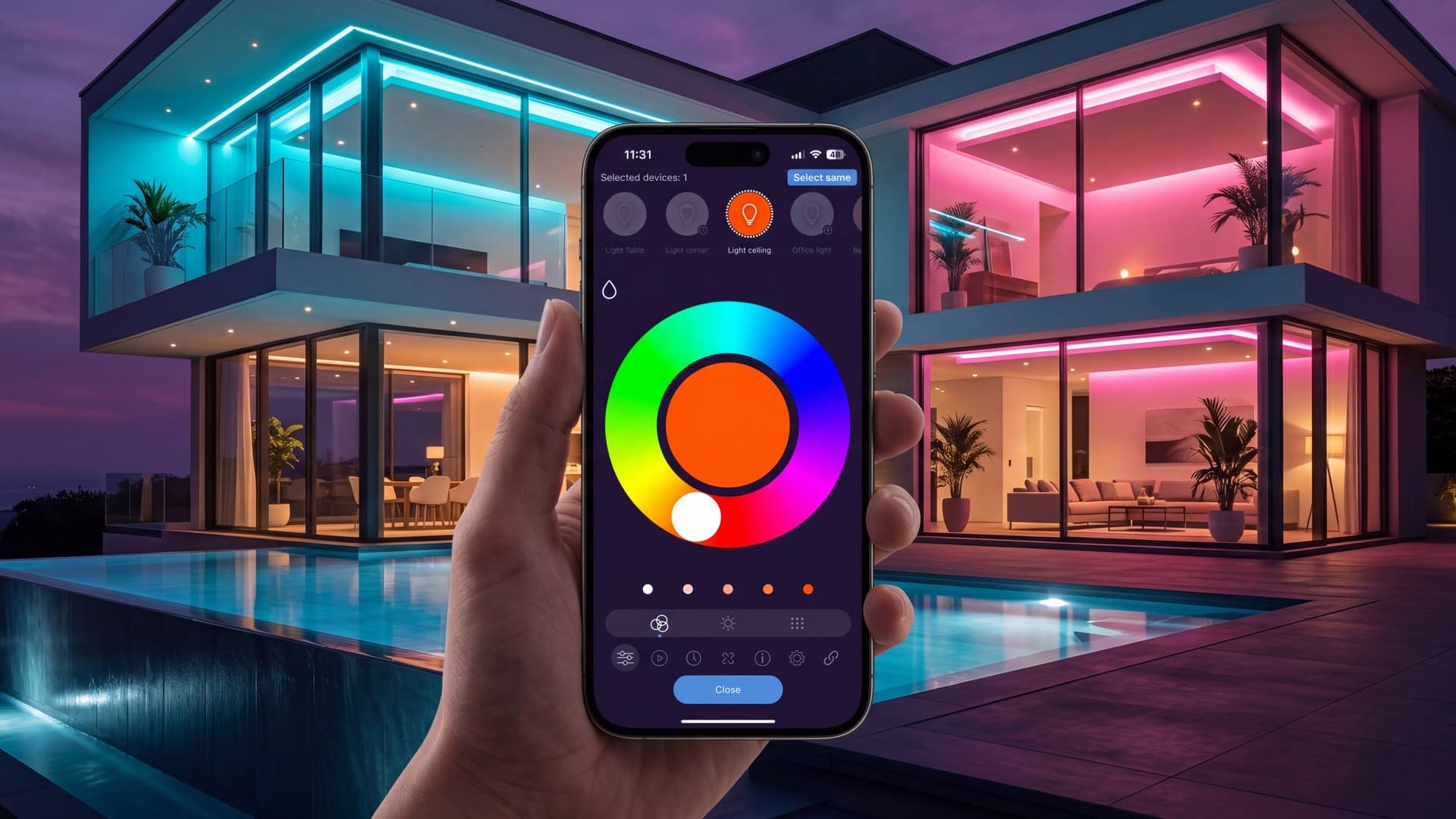
RGB color wheel in the MESHLE App
Every MESHLE device with the RGB Interface gives you precise color control through an interactive color wheel. Pick any hue, adjust saturation, and fine-tune brightness — or enter exact HSV and RGB values when you need to match a specific color.
Save your favorite colors, apply them instantly, and group multiple lights to paint entire rooms with a single tap. The MESHLE App is free for iOS and Android — no account registration required.
16 Million Colors
A single MESHLE RGB node drives three independent channels — red, green, and blue — to mix the full color spectrum on one device. Each channel runs on its own PWM output, so transitions stay smooth and flicker-free across the entire color range.
Set the channel mapping to match your fixture's wiring, calibrate startup color, and let the MESHLE Bluetooth Mesh network handle the rest. Group RGB nodes together and every light in the group follows the same color command instantly.
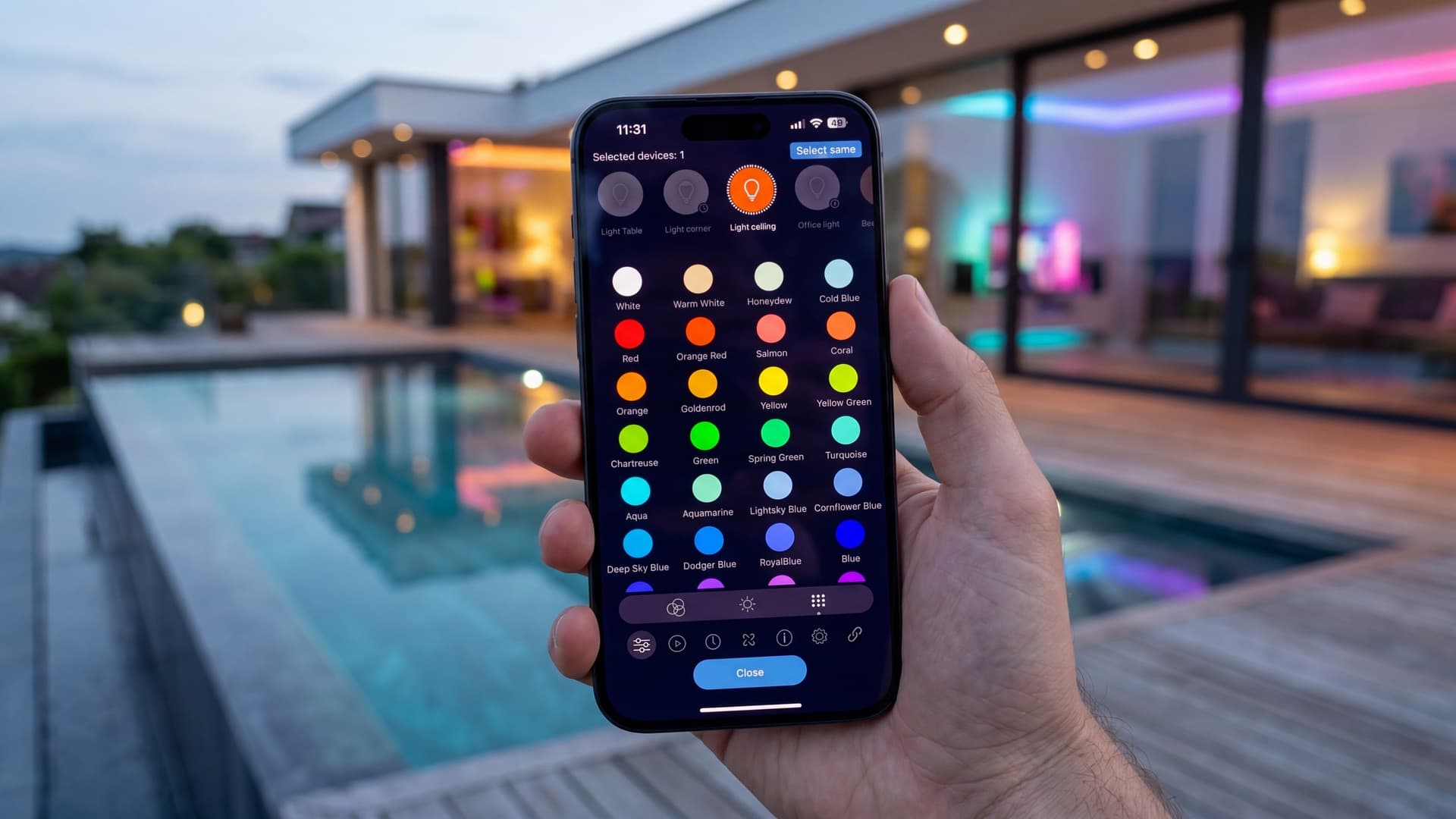
Built-in RGB animations on every device
Every MESHLE RGB device ships with a predefined animation library pre-loaded in firmware. Choose an effect, tap to apply, and your lights come alive — color fades, rainbow cycles, pulses, and more. No configuration, no downloads, no setup.
Want something of your own? Each device keeps 4 custom animation slots you can fill with sequences from the timeline editor. Animations run locally on the device itself — no cloud, no internet, no server. Once loaded, they play even when your phone is off.
Direct Every Light Like a Video Track
The timeline-based scene editor lets you choreograph complex lighting sequences with frame-by-frame precision. Assign colors, brightness, and transitions to individual fixtures or groups — then play back your creation in real time. All lights stay perfectly synchronized across your MESHLE Bluetooth Mesh network, no central device or internet connection required.

What the RGB Interface Can Do
Every capability runs locally on the device — no cloud, no internet, no server.
Color Mixing
Color Presets
Scenes
Animations
Schedules & Timers
Rules (If-That-Then-That)
Linking (Peripherals)
Device Settings
Device Info
RGB Products
MESHLE-compatible RGB controllers and drivers for LED strips, linear lights, and low-voltage color LED systems.
Start your RGB LED installation
Bring full-color light control and synchronized animations to any installation with the MESHLE RGB Interface. No cloud. No compromises.
Read more
Deep-dive into the technology, integration paths, and field notes behind MESHLE.
MESHLE App — visual control & Scene Editor
iOS, Android, and web. Free. Visual scene editing, group control, schedules, swarm tuning.
Read morePageProduct catalog — modules, drivers, gateways
Mesh modules, DALI/D4i interfaces, kinetic switches, sensors, the Matter-ready Gateway.
Read moreTechnologyBluetooth Mesh Gateway
Bridge MESHLE Mesh to BACnet, Modbus, MQTT, REST API, and Matter for BMS integration.
Read moreTechnologySwarm — presence-aware lighting
Light reacts to occupancy across corridors, stairwells, warehouses, and parking decks — no central controller required.
Read moreBlogCasambi alternatives — 7 platforms compared
Side-by-side B2B comparison of seven wireless lighting control platforms that offer an alternative to Casambi.
Read moreBlogInside the LED driver ecosystem
How drivers, mesh modules, and gateways fit together in a real commercial lighting stack.
Read more