Switches that go where cable can't
The button press itself generates the energy for the radio signal, so an EBELONG kinetic switch needs no cable, no mains connection and no battery to control your MESHLE Bluetooth Mesh network.
From the box to a working switch in 30 seconds
No commissioning software, no configuration files, no training day. Provisioning the MESHLE device takes 15 seconds, linking the switch to it takes another 15, and all of it happens in the MESHLE App.
How a kinetic switch reaches your lights
The press generates the energy
One pulse, one radio telegram
The MESHLE mesh carries out the command
Press the switch and watch the luminaires react. The mode buttons change which ones it drives.
Pair it once, then decide what each button does
You add a kinetic switch by scanning its QR code in the MESHLE App. Open the device details, choose the linking function, scan the code on the switch, and it is part of your network.
From the same screen you link the switch to a single device or to a group, then open each button in turn to assign what it does: on/off, dimming, colour change, scene recall or master-off. Change any of it later without touching the hardware.
One switch for every MESHLE device type
Dimmers and dimmable luminaires
Tunable white and Human Centric Lighting
RGB, RGBW and RGBTW colour
Shutters and blinds
Switch actuators
Scenes and master-off
The same mechanism, in the format your project needs
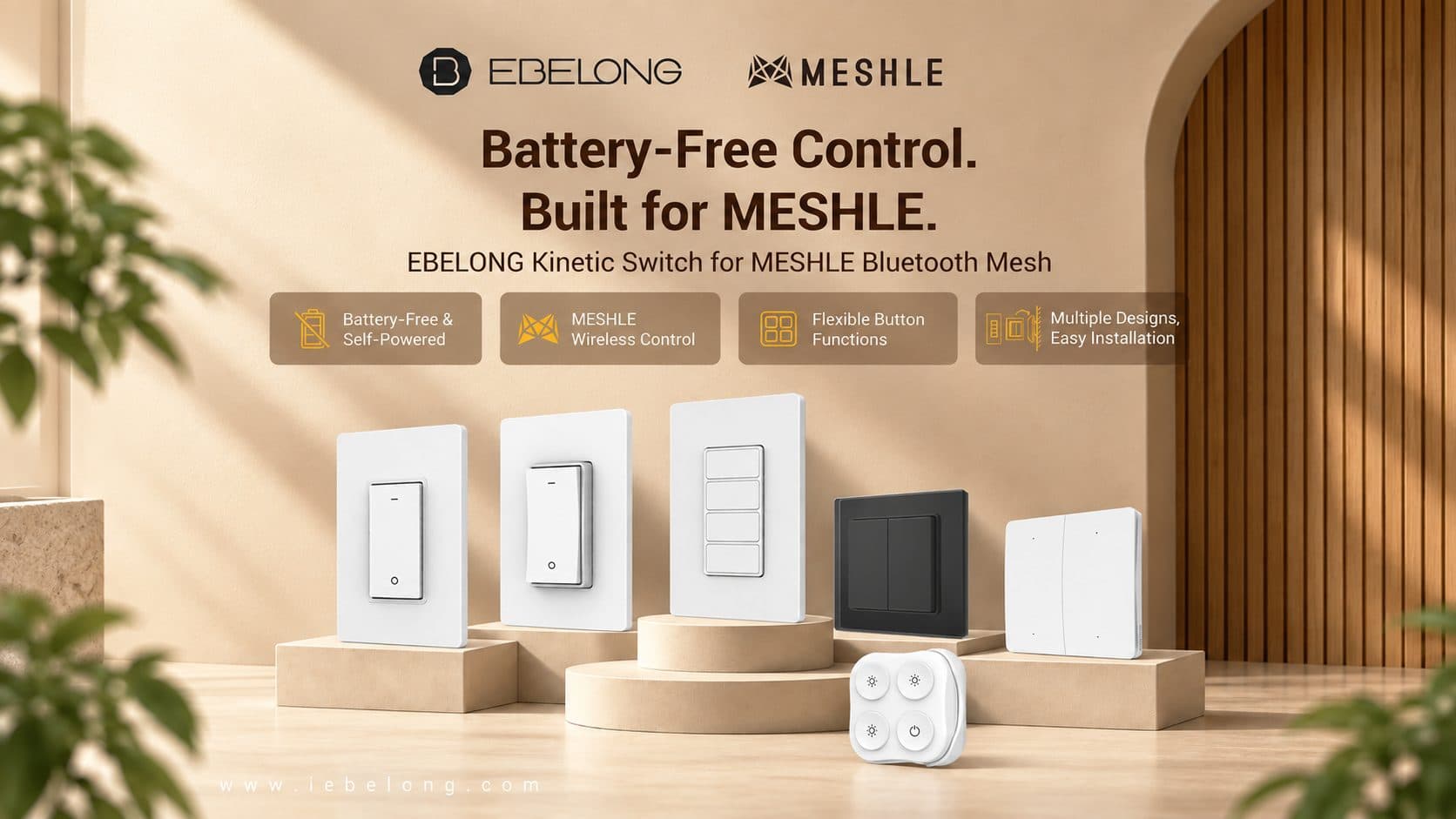
The self-powered mechanism stays the same across every format shown here: US-style single-gang and four-button plates, EU-style two-gang plates in black and white, and a four-button handheld remote. Two of them, EP1454 and S3-BT01, are already in the MESHLE catalog. Tell us which format your project needs and we will confirm what we can ship.
Put a kinetic switch on your own wall
Tell us which format you need and which MESHLE devices it should drive. We will send samples and walk you through pairing them in the MESHLE App.