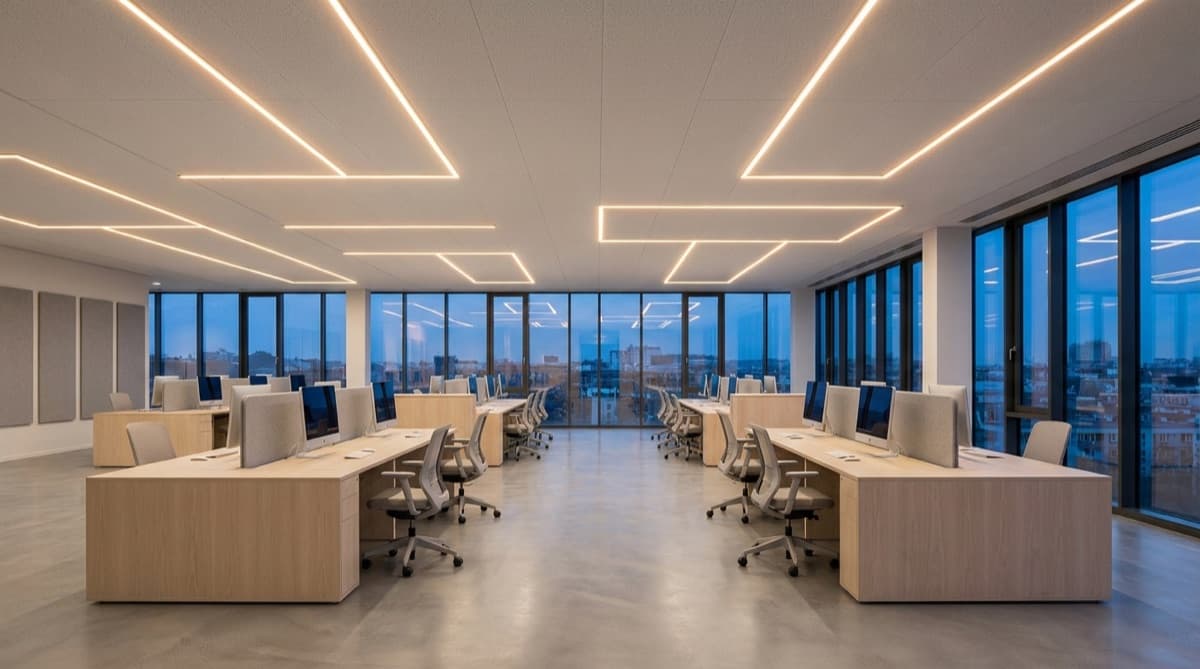
How Wireless Lighting Control Works (& When to Use It)
Wireless lighting control replaces the dedicated control wiring in a building with a radio network. The dimming, switching, and sensor signals that used to travel down a DALI bus or a 0–10V pair now travel over the air, and the fixtures, drivers, sensors, and switches organize themselves into a mesh. The benefit that pays for the whole approach: no control cabling to design, pull, or later re-pull.
This is the mechanism piece — how the signal actually moves, whether it needs the internet, and how it stacks up against a wired bus — written to help you decide wired-vs-wireless and spec the system properly. If you already know you want it and are choosing a platform, jump to the wireless lighting control system overview.
What wireless lighting control is
Wireless lighting control sends control signals — on/off, dim level, color temperature, scene recalls, sensor triggers — over a radio network instead of dedicated control conductors. Each controllable device carries a small radio and joins a shared mesh. Mains power still runs to the fixtures; what disappears is the second set of wiring that a conventional install needs just to carry control.
Remove the control layer from the wiring and you remove the design, the cable, the terminations, and the labor that go with it, and every future change becomes a software change instead of an electrical one.
How the signal actually travels: mesh, hops, and self-healing
Most explanations stop at "it uses radio waves," which tells you nothing about how it reaches a fixture on the far side of the floor. The mechanism is node-to-node relaying.
Every fixture, driver, sensor, and switch on the network is a mesh node. When you press a switch or a sensor fires, that node broadcasts a command. Nodes in range repeat it, and it hops from node to node until it reaches its target. A command doesn't need a clear radio shot from origin to destination — it rides the nodes in between. Indoor range is about 40 m per hop on Bluetooth 5, and each hop extends the reach, so a network covers a whole floor or building without any wired backbone tying it together.
The part that matters for reliability is self-healing. Because any node can relay for any other, the mesh isn't dependent on a fixed path. If a node loses power or fails, the surrounding nodes reroute around it and messages still get through. There's no single point of failure the way a wired bus has — cut a DALI line and everything downstream goes dark; lose one node on a mesh and traffic finds another way. This is a distinct property from Swarm, which is presence-aware lighting rather than a networking behavior; self-healing keeps the network alive, Swarm decides how the lights respond to movement.
Scale follows the same logic. A single MESHLE network holds up to 255 nodes. When a site outgrows that, the MESHLE Edge server unifies multiple networks into one system of up to 20,000 devices — a campus's worth of coverage built from hops, not home runs. The benefit is coverage and resilience at building or campus scale, and the mechanism behind it is node-to-node relaying plus rerouting, not a central controller everything depends on.
The parts of a wireless lighting control system
A wireless system has the same three functional layers as a wired one; only the wiring between them changes.
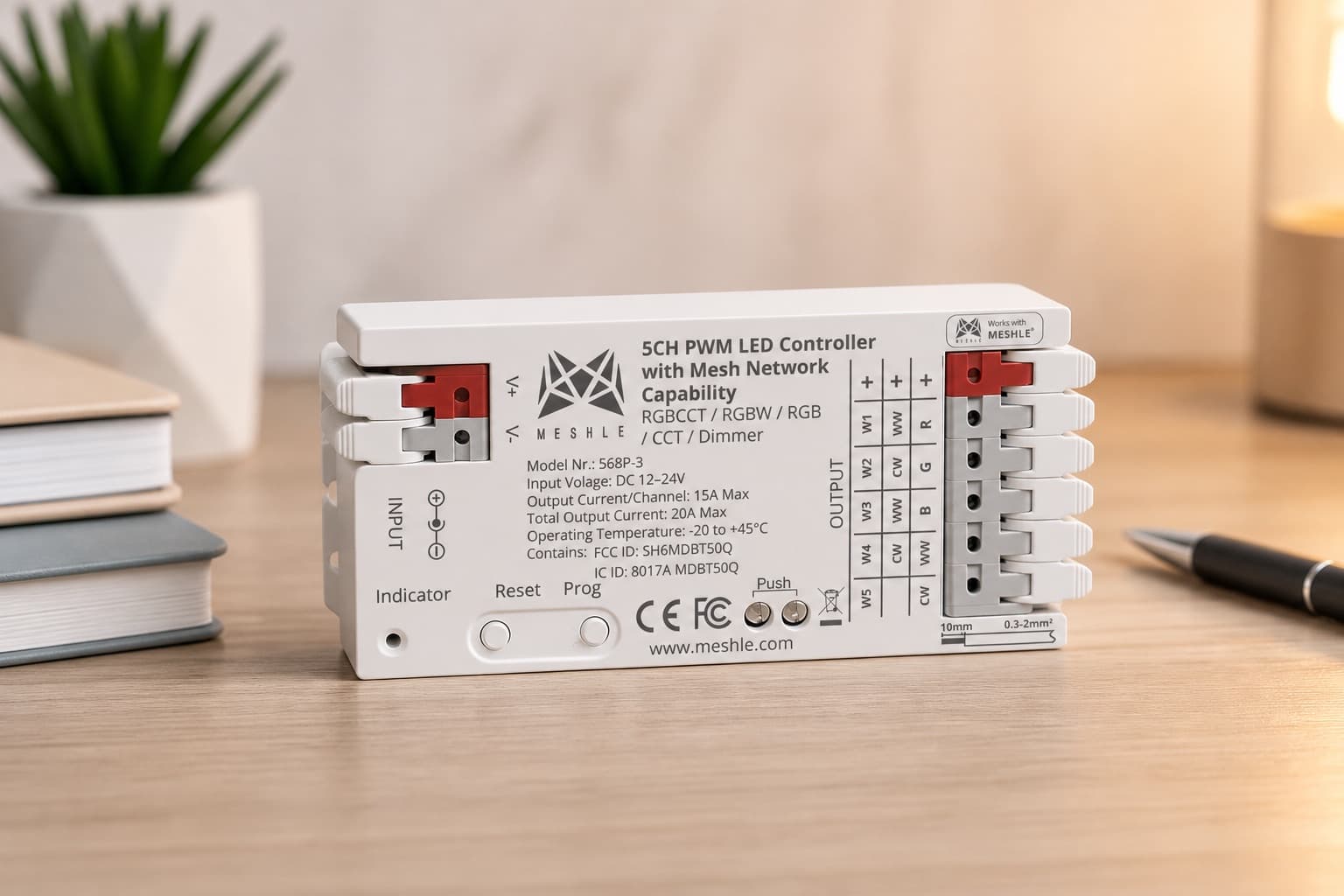
The load side is what physically drives the light. A dimmable driver or a relay speaks a standard control interface, and the mesh node commands it. MESHLE nodes drive PWM, phase, DALI, and 0–10V loads, with multichannel DALI/D4i up to eight addresses per node — so the same wireless layer sits on top of whatever load type the fixture already uses. The flex PRO 3 is the flagship node here: one SKU switches between single-colour dimmer, CCT, RGB, RGBW, RGBTW, and multichannel dimmer in the field, so stock stays simple across a mixed spec.
The inputs are what tell the lights what to do. These are wireless switches — including battery-free ones — and sensors. Combined presence (PIR) and daylight (lux) sensors are common: the PIR channel drives occupancy response, the lux channel drives daylight harvesting, and both feed the mesh directly.
The network and app tie it together. The nodes form the mesh; the MESHLE App commissions devices, groups them into zones, and stores the rules. Once commissioned, the app can walk away — the mesh keeps running on its own, which is the subject of the next section.
Does it work without Wi-Fi, a hub, or the cloud?
Yes, and this is where wireless systems differ from each other more than the marketing suggests. A MESHLE mesh is offline-first: the control loop lives on the mesh itself. A sensor talks straight to a driver; a switch talks straight to a light; schedules, scenes, and Swarm are stored on the nodes and run by their own firmware. No phone, no server, no internet is in the path of everyday operation.
The cloud is genuinely optional. A Gateway adds remote access and BMS integration, and the cloud adds off-site control — but they sit beside the control loop, not inside it. That's why an offline-first system keeps working through an internet outage or an ISP failure: there was never an internet round-trip in the loop to break. It also means a smaller attack surface — no always-on cloud path into your lighting — and no dependence on a vendor's servers staying online for your building to light up. All MESHLE communication is encrypted on both Bluetooth Mesh and Wi-Fi regardless.
Wireless vs. wired lighting control
Here is the honest comparison. Wired control is mature and well understood, and there are rooms where it's still the right call. But for most new work and nearly all retrofits, the wireless case is strong, and it's strong for concrete reasons rather than novelty.
| Wired lighting control | Wireless lighting control | |
|---|---|---|
| Installation cost & labor | Higher — control cable is a major line item plus the labor to pull and terminate it | Lower — mains only; no control runs to design or pull |
| Retrofit | Invasive — fish new control cable through finished ceilings and walls | Non-invasive — switches, sensors, and drivers join over the air |
| Flexibility / re-zoning | Recable or re-terminate to change zones | Re-zone in software; the wiring never changes |
| Reliability | Bus is a single path — a break kills everything downstream | Self-healing mesh reroutes around a failed node |
| Security | No RF path to attack; physical access required | Encrypted; offline-first shrinks the attack surface further |
| Scalability | Add home runs and bus capacity | Add nodes; Edge unifies networks up to 20,000 devices |
| RF spectrum | None to consider | Shares 2.4 GHz — worth planning in dense RF environments |
Installation cost and labor
The reason wireless is usually cheaper to install is structural, not incidental. In a wired install the control cabling — the DALI bus, the 0–10V pairs, the switch legs — is a major share of both material and labor, because someone has to design the runs, pull the cable, and terminate every end. Wireless deletes that layer entirely. You still wire mains to the fixtures, but the control signal rides the mesh, so the control-cable design, material, and labor come off the job.
Flexibility and reconfiguration
On a wired system, the zoning is baked into the wiring: change which switch controls which fixtures and you're re-terminating or pulling new cable. On a wireless mesh, zoning is a software relationship. Regroup fixtures, add a "one switch, many lights" rule, split a zone in two — it's a change in the app, not in the conduit. For a space whose use changes over time, that turns a recabling job into a five-minute edit.
Reliability and security
A wired bus is a single physical path, which makes it a single point of failure: break the line and everything downstream goes dark. A self-healing mesh has no fixed path — nodes relay for each other, so a failed node is routed around rather than taking a run down with it. On security, wired control has no radio to attack, which is a real advantage in the narrow sense; wireless answers with encryption on every link and, in an offline-first design, no standing internet path into the lighting to defend. Different threat models, both defensible.
How to specify a wireless lighting control system
Speccing wireless is mostly a set of decisions about scope and integration. These are the questions that matter.
Networked rooms vs stand-alone
Decide whether rooms need to coordinate or can run independently. A stand-alone room needs only local nodes and a switch or sensor. Networked spaces — a floor that shares schedules, a building that reports to a BMS — need the mesh planned as one system, and the node count checked against the 255-per-network limit, with Edge unification where a site exceeds it.
Zoning and control granularity
Work out the finest level you need to control: a whole room, a bank of fixtures, or a single luminaire. Multichannel nodes address up to eight DALI/D4i addresses each, so granularity is a commissioning decision, not a rewiring one — but it drives how you group nodes and lay out the mesh.
Open protocol vs proprietary
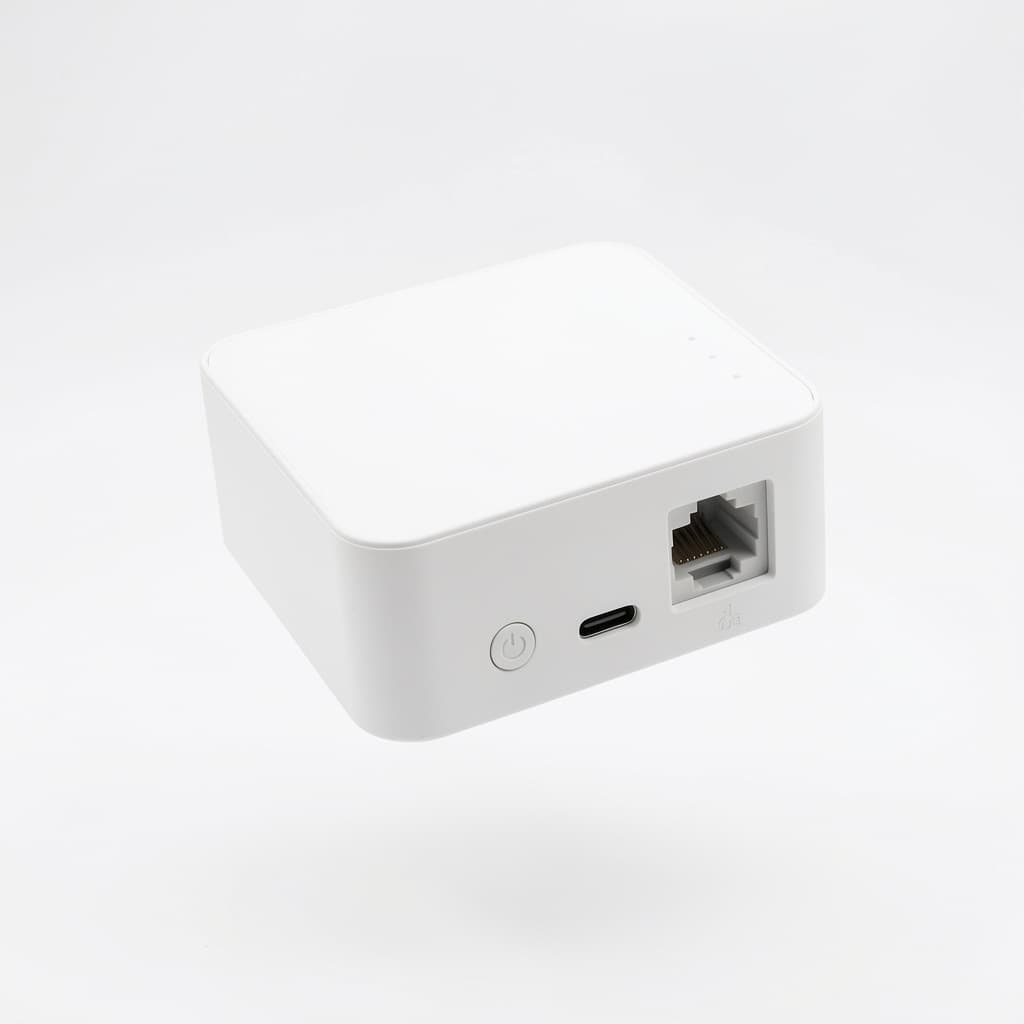
MESHLE runs a proprietary Bluetooth Mesh and can also offer SIG-standard Bluetooth Mesh firmware where a project calls for it. Openness at the integration boundary is the practical concern: the Gateway is Matter-ready and bridges to REST, MQTT, Modbus TCP/IP, and BACnet™, and the load side speaks standard DALI, 0–10V, PWM, and phase. Spec the interfaces you'll actually integrate against.
Security and BMS integration
If the lighting reports to a building-management system, the Gateway is the integration point: REST, MQTT, Modbus TCP/IP, and BACnet™ on your own network, all encrypted. Decide early whether integration is local (Gateway on the LAN) or cloud-mediated, since that shapes both the network design and the security review.
Emergency and egress lighting
Life-safety and egress lighting is regulated separately and typically runs on its own listed system. Keep it outside the scope of the general lighting-control network unless a specific product is listed for that duty, and plan it as a distinct system alongside the wireless controls rather than a feature of them.
Retrofit without rewiring
Retrofit is where the wireless benefit is most tangible, because the single most expensive part of a control retrofit is pulling new control cable through a finished building. Wireless deletes that cost.
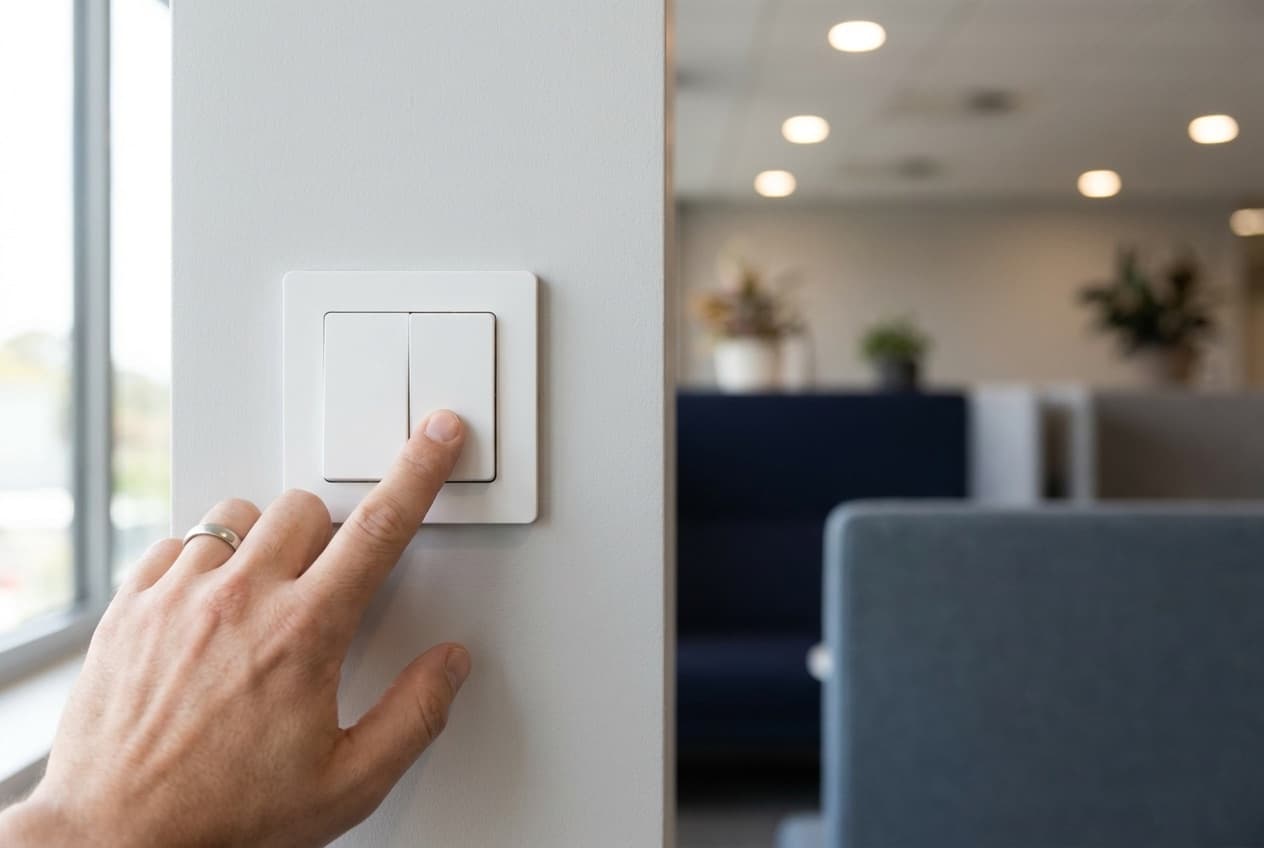
Battery-free switches using EnOcean energy harvesting mount anywhere — glass, tile, plasterboard — with no wire and no battery, because the press itself generates the power to send the command. Sensors and drivers join the mesh over the air, and you commission the whole set in the MESHLE App: link a switch to a light, group fixtures into zones, set schedules and scenes. The existing mains wiring stays; the control layer is added on top. What would have been a recabling project becomes an afternoon of commissioning.
Where wireless lighting control fits
The same mesh serves very different buildings, because the mechanism — nodes, hops, local rules — doesn't care what's above the ceiling.
Offices benefit from software re-zoning as teams and layouts change, plus occupancy and daylight response on a per-desk-area basis. Education — classrooms and corridors — gets schedules and presence control that run locally and survive network outages. Retail uses daylight harvesting on storefront zones and easy scene changes for merchandising. Healthcare needs reliable local operation and tunable white for patient and staff areas. Industrial and warehouse spaces are the natural home for presence-aware lighting across large volumes, where light follows movement down aisles and the rest stays dim. Parking — indoor and outdoor — pairs presence response with the mesh's outdoor Long Range reach.
From here it comes down to choosing and speccing a MESHLE wireless lighting control system for your specific building — matching node counts, load interfaces, and integration protocols to what's actually in your ceiling.
Related MESHLE products
The hardware behind everything above — the pieces you'd actually spec into a project like this.
Frequently asked questions
Does wireless lighting control work without Wi-Fi, a hub, or the cloud?
Yes. A MESHLE Bluetooth Mesh runs offline-first. Schedules, scenes, sensor rules, and Swarm are stored on the nodes and executed by their firmware, so the control loop closes locally. Wi-Fi, a Gateway, and the cloud are optional and only add remote access or BMS integration — pull the internet and the lights keep behaving exactly as commissioned.
Wired or wireless — which is cheaper to install?
Wireless, in most cases, because the biggest line item in a lighting-control install is the control cabling and the labor to pull it. Wireless carries commands over radio, so you wire mains power and skip the control runs. On a retrofit the gap widens further, since there's no existing control cable to reuse and no need to fish new cable through finished ceilings and walls.
How far does the signal reach, and how many fixtures can I control?
Indoor range is roughly 40 m per hop on Bluetooth 5, and outdoors it reaches hundreds of meters in Long Range mode. Because commands hop node-to-node, coverage grows with the network rather than being limited to one radio's reach. A single network holds up to 255 nodes; with the MESHLE Edge server you unify multiple networks up to 20,000 devices.
Is wireless lighting control secure?
All MESHLE communication is encrypted across both Bluetooth Mesh and Wi-Fi. Because the control logic runs locally and the cloud is optional, an offline-first system exposes a smaller attack surface than a cloud-dependent one — there's no always-on internet path into the lighting to defend. For BMS integration, the Gateway speaks REST, MQTT, Modbus TCP/IP, and BACnet™ on your own network.
Can wireless lighting control help meet energy codes?
It supplies the mechanisms energy codes are written around: occupancy sensing, daylight harvesting, scheduling, and dimming to what's actually needed. Combined presence-and-daylight sensors feed the mesh, and rules run on-device to trim output. Codes such as California Title 24 and ASHRAE 90.1 require occupancy and daylight controls in many spaces, and a wireless system supports all of them. The actual savings percentage depends on the space and how much daylight it gets, so treat any single figure with caution.
Can I retrofit without rewiring?
Yes — that's the core reason wireless exists. Battery-free EnOcean switches mount anywhere with no wire and no battery, drivers and sensors join over the mesh, and you commission everything in the MESHLE App. You keep the existing mains wiring and add control on top, which is why retrofits skip the cost of new control cable.
Do the wireless switches need batteries?
No. MESHLE battery-free switches use EnOcean energy harvesting — the press itself generates the power to send the command, so there's no battery to replace and no wire to run. They're compatible with all Bluetooth-5-based MESHLE devices.
Which protocols does it use, and is it interoperable?
Devices talk over MESHLE Bluetooth Mesh. On the load side, nodes drive dimmers and drivers via PWM, phase, DALI, or 0–10V, with multichannel DALI/D4i up to eight addresses per node. At the building level the Gateway is Matter-ready and bridges to REST, MQTT, Modbus TCP/IP, and BACnet™, so the mesh integrates with smart-home ecosystems and BMS platforms.
Can I add a wireless switch to an existing setup?
Yes. A new switch, sensor, or driver joins the existing mesh in the app — link a battery-free switch to any node, or add "one switch, many lights" and "many switches, one light" relationships without rewiring. That's the day-to-day payoff of software re-zoning: you change behavior in the app, not in the conduit.