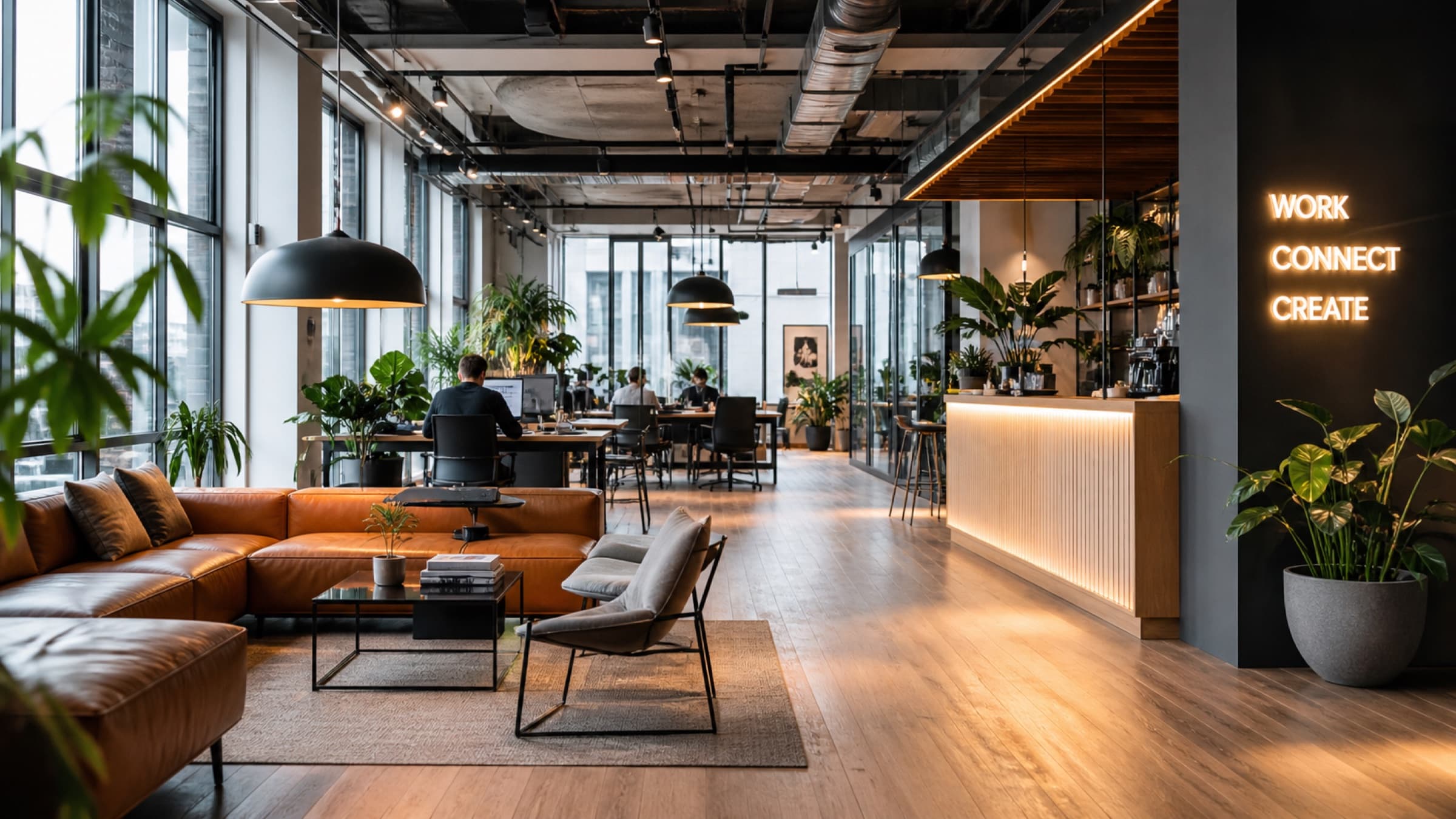
Smart Co-Working Lighting on MESHLE Bluetooth Mesh
Hot desks that respond to who's actually there, meeting rooms with one-tap scenes, phone booths that wake on entry, and lounges that shift warmer after hours. MESHLE Bluetooth Mesh runs every floor on offline-first infrastructure — no per-room Wi-Fi, no cloud round-trip, no member complaints when the internet drops.
Lighting for Every Co-Working Zone
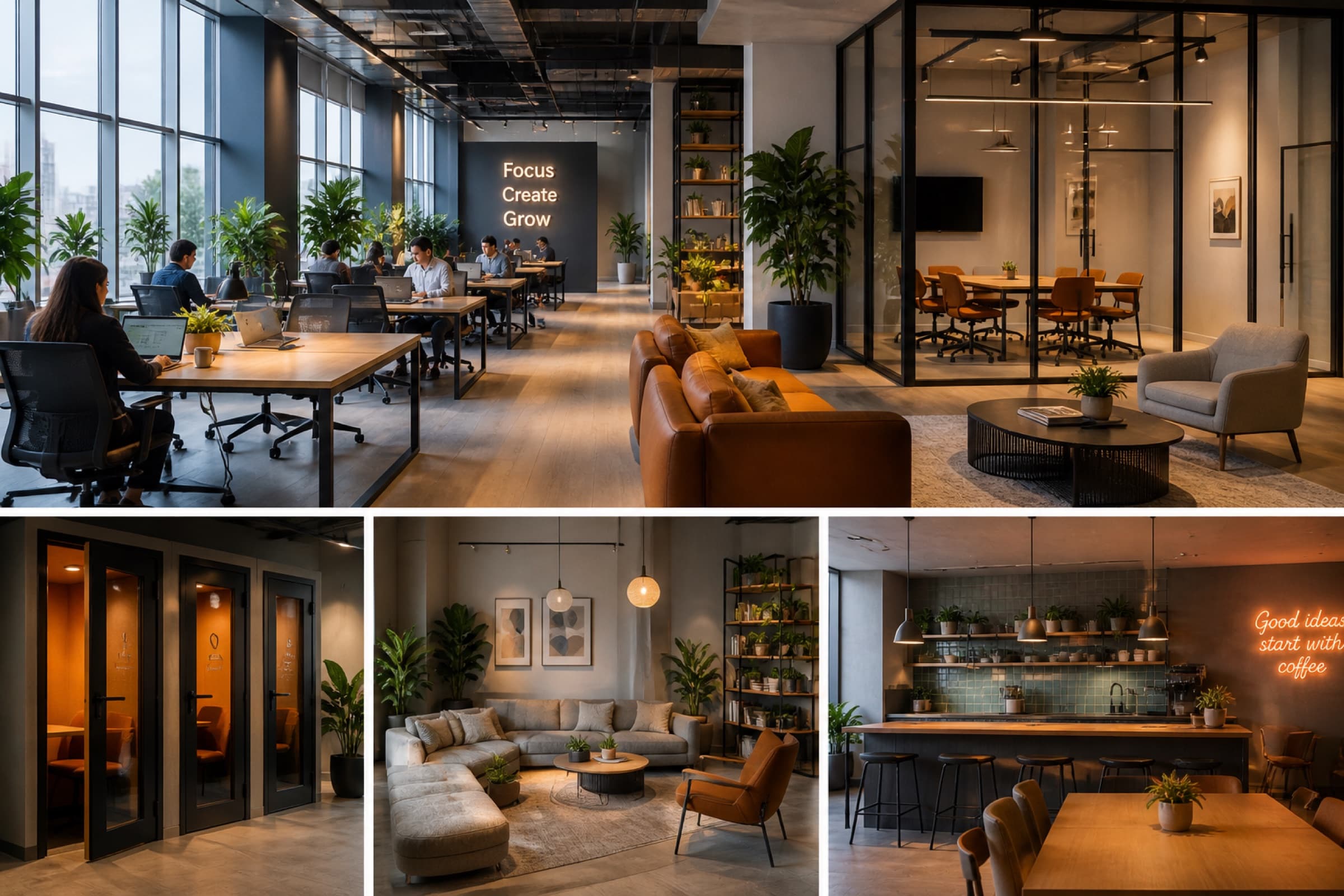
Five space types where MESHLE Bluetooth Mesh changes the operating logic of a co-working floor — from variable hot-desk traffic to bookable meeting rooms, single-occupant phone booths, social lounges, and the café where the day starts and ends.
- Hot Desks
- Meeting Rooms
- Phone Booths
- Lounges
- Café & Kitchen
Zones That Wake Around Members
Co-working occupancy is sharply uneven — packed midweek, near-empty Fridays and evenings, hot-desk clusters that fill row by row. A 477-day sensor study of a London co-working floor (PLOS One, 2023) confirmed the variation across zones and hours. Swarm uses presence sensors at the luminaire to drive light where movement actually is and pull it back everywhere else, so static schedules don't keep half-empty floors fully lit.
- Hot-desk granularity — Desks light up cluster by cluster as members arrive; empty rows hold at low idle without the operator scripting it.
- Phone-booth wake-up — Single-occupancy booths sit dark and warm to a working scene the moment someone steps in.
- Sensor at the luminaire — Detection happens locally — no central controller, no per-room Wi-Fi, no cloud round-trip when a member walks in.
- LBNL benchmark — LBNL's cross-sector meta-analysis reports around 24% average occupancy savings; office-derived, applied by analogy to co-working floors with similar usage profiles.
Daylight Harvesting Along Window-Row Desks
Co-working spaces tend to live in lofts and glazed towers — perimeter desks have abundant daylight half the day. Photocell-driven dimming holds task illuminance steady while electric light recedes whenever the sky delivers. Galasiu and Veitch's review of daylit-office field studies found strong, consistent occupant preference for daylight, with wide individual variation in preferred levels — which is why per-zone setpoints beat one building-wide curve.
- Per-zone photocell dimming on perimeter hot-desk rows and meeting-room window walls.
- EN 17037 daylight provision and DIN EN 12464-1 office task-illuminance frame inform target setpoints.
- LBNL data points to roughly 28% daylight harvesting savings (office subset around 27%, applied by analogy to co-working).
- Combined occupancy + daylight stacks to around 38% in LBNL data — the operating-cost case for both.
Tunable White for Irregular Work Hours
Members work irregular shifts — early starts, late nights, time-zoned remote calls. Tunable-white luminaires on MESHLE Bluetooth Mesh shift along schedule, scene, or manual override. The Brown et al. (2022, PLOS Biology) consensus calls for at least 250 melanopic EDI lux at the eye during the day to support alertness and circadian entrainment; CIE S 026 defines the metrology behind any credible HCL claim.
- Schedule-driven CCT shifts across the working day: morning ramp-up, midday plateau, evening wind-down.
- Scene presets per meeting room — Focus, Discussion, Presentation, Workshop — recalled in one tap from wall switch or app.
- WELL v2 Feature L03 (Circadian Lighting Design) operationalises melanopic EDI targets at workstations during occupied hours.
- Member override always wins — automation is a baseline, not a lock.
Shutters and Slats on the Same Mesh
Floor-to-ceiling glass plus laptop monitors equals screen glare. Partner-manufactured shutter controllers running MESHLE firmware join the same MESHLE Bluetooth Mesh as your luminaires and work with virtually any motor — roller shutters, venetian blinds, awnings, pergolas. A guided calibration wizard captures 25%, 50%, 75% and 100% positions so slat angle redirects daylight onto the ceiling and away from screens. EN 17037 frames the assessment via Daylight Glare Probability; CIE 117 and the UGR method underpin the discomfort-glare metrics.
- Slat angle and spin-down for venetian blinds, with motor travel time, start delay and direction invert tunable per device.
- Coordinates with daylight harvesting on the same mesh — slats tilt and electric light dim together to hold target lux without screen glare.
- Meeting-room Presentation scenes, west-facade afternoon glare control, and lounge ambience run as scheduled scenes with member override.
- Galasiu and Veitch found occupants on west and south facades adjust blinds three to five times a week and leave them down once lowered — automation captures daylight that manual control loses.
QR Light Control for Day-Pass and Event Renters
Day-pass members, meeting-room renters, and pop-up event organisers need to dim a corner or recall a Presentation scene now — not after the operator enrols them in a member app. A signed, time-bounded QR code opens a Web App with exactly the controls they need, for exactly the zone they've booked, for exactly the window they've paid for. Galasiu and Veitch document that giving occupants the capability to choose their environment is the dominant satisfaction driver in workspaces.
- No app install, no account creation — the Web App opens straight from the QR scan.
- Scoped to one zone and one time window: meeting room 3 from 14:00 to 16:00, then access expires.
- No member-system enrolment for day-pass or event guests — front desk prints the QR, the renter uses it.
- Adjustments stay inside operator-set min/max bounds, so the EN 12464-1 task-area frame holds even when guests dim.
Plays Nicely with YourBuilding Stack
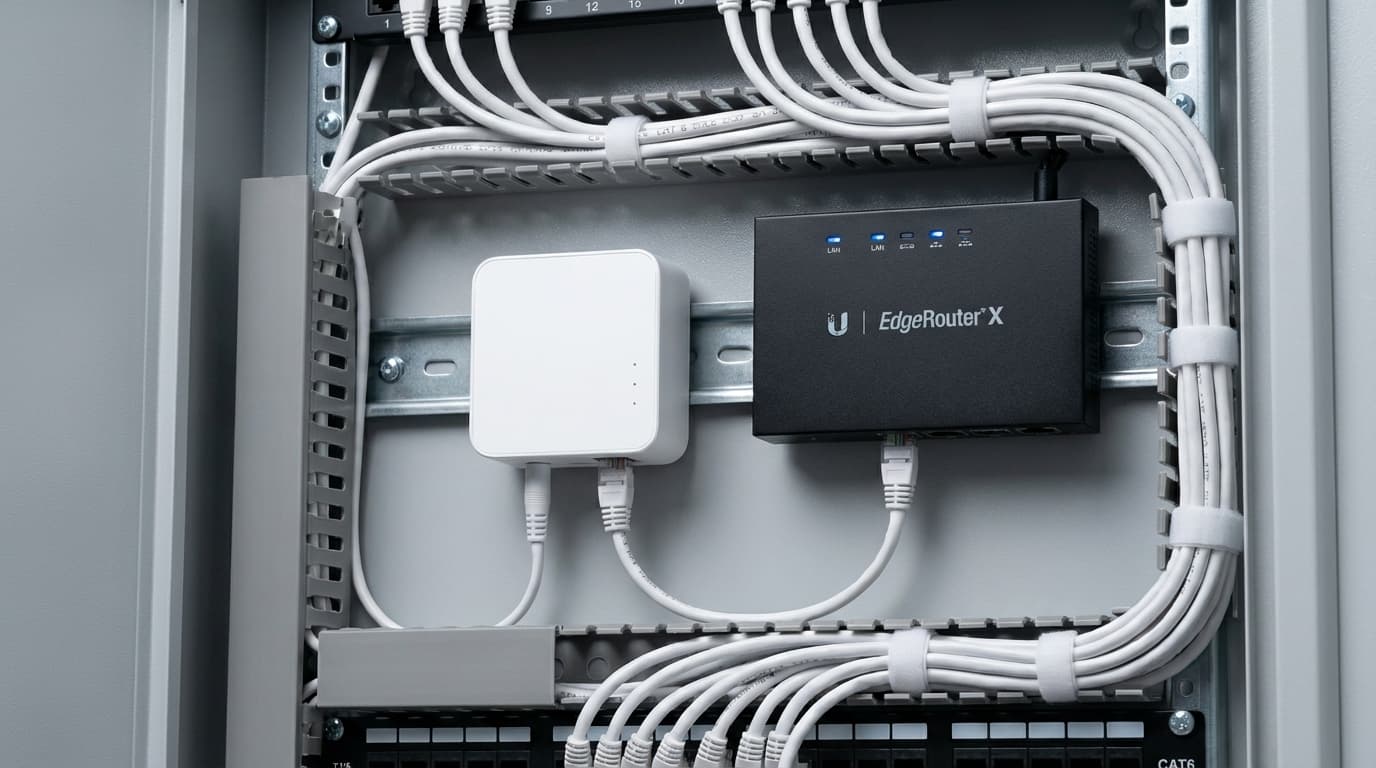
The MESHLE Gateway (M602) bridges MESHLE Bluetooth Mesh to the protocols co-working operations and capital-projects teams already specify — without locking the lighting layer to any one of them. Matter-ready.
REST API
Pull room status and push scene recalls from booking platforms, member apps, or front-desk dashboards.
MQTT
Stream telemetry to facility analytics — occupancy by zone, energy, scene usage — across every floor.
Modbus TCP/IP
Talk to building controls, electrical sub-metering, and HVAC the way most BMS already speak.
BACnet
Edge tier adds BACnet for full BMS interop alongside the Gateway protocols.
Plan Your Co-Working Lighting on MESHLE
Whether you're refitting a single floor or specifying lighting controls for a multi-site co-working portfolio, MESHLE Bluetooth Mesh scales from one meeting room to a full network of locations on offline-first infrastructure.
Read more
Deep-dive into the technology, integration paths, and field notes behind MESHLE.
Swarm — presence-aware lighting
Light reacts to occupancy across corridors, stairwells, warehouses, and parking decks — no central controller required.
Read moreBlogSwarm lighting — the MESHLE guide
The authoritative MESHLE reference. What swarm lighting actually is, how it works in the app, and where it fits — with a live simulator.
Read moreTechnologyBluetooth Mesh Gateway
Bridge MESHLE Mesh to BACnet, Modbus, MQTT, REST API, and Matter for BMS integration.
Read moreIntegrationManufacturer integration paths
Module, flash, OEM — three ways to integrate MESHLE Bluetooth Mesh into luminaires and lighting systems.
Read moreBlogCasambi alternatives — 7 platforms compared
Side-by-side B2B comparison of seven wireless lighting control platforms that offer an alternative to Casambi.
Read moreBlogOffline-first smart lighting
Buildings last decades, cloud subscriptions don't: why lighting control should keep working without one.
Read more